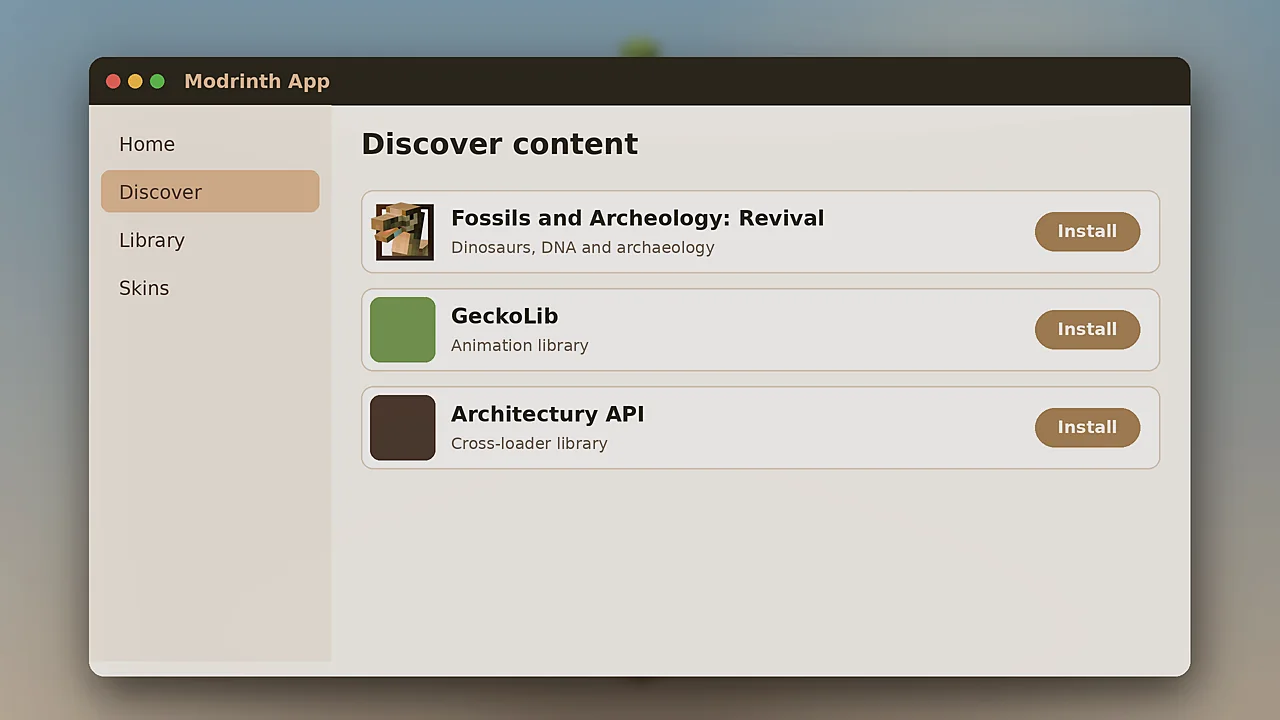
Modrinth is the easiest way to get the Fossils and Archeology Mod running. Its app handles versions and dependencies automatically, and its website makes manual downloads clear. This guide covers both routes.
Install with the Modrinth App
The app is free for Windows, macOS and Linux. It manages separate instances, so your dinosaur world never clashes with other packs.
Create an instance
Click the plus button, name the instance and choose Minecraft 1.20.1 with Forge or Fabric. The app downloads the game and loader for you.
Add the mod
Open Discover content, search for Fossils and Archeology Revival and click Install. The app detects the instance's loader and version and fetches the matching file plus its required libraries.
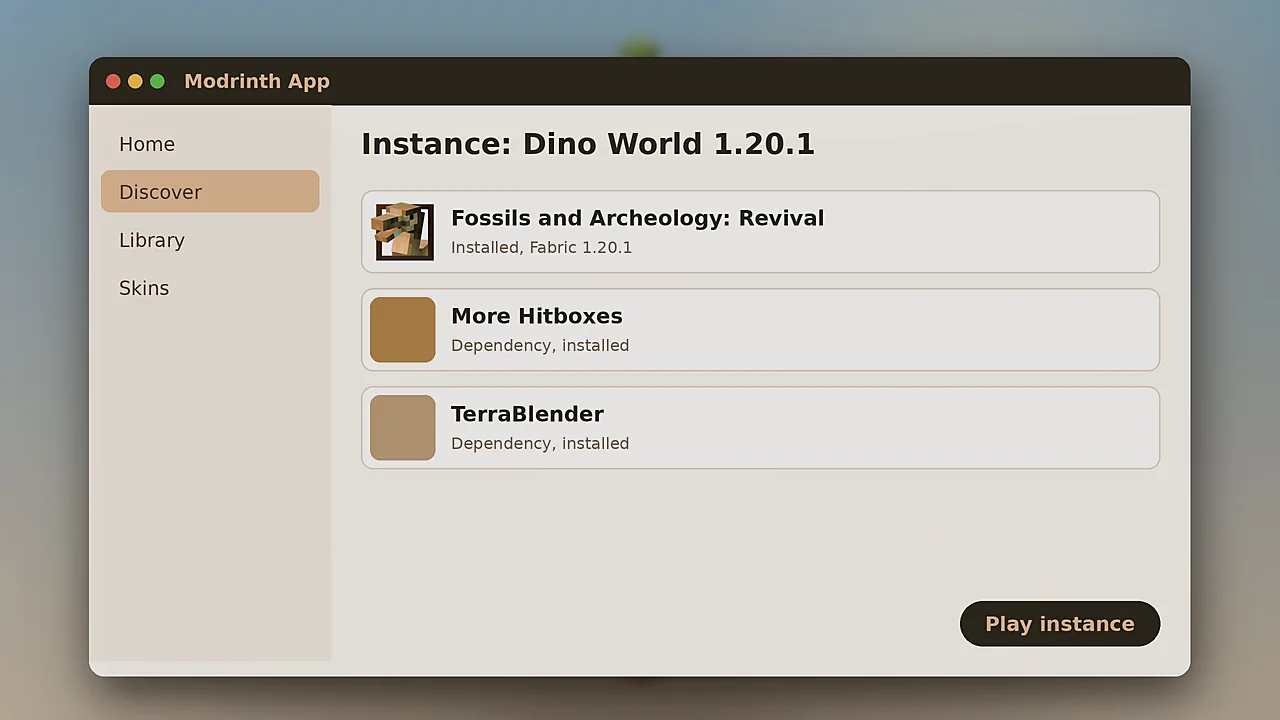
Launch and test
Press Play, create a new survival world and dig into stone near the surface. Fossil blocks with a bone pattern confirm that everything loaded.
Manual install from the site
Prefer another launcher? Open the mod's Versions tab on Modrinth and filter by your game version and loader.
- Download the newest matching file.
- Open the Dependencies section and download each required mod for the same version.
- Move every .jar file into your instance's mods folder.
- Start the game with the matching loader profile.
Check the file hash
Each Modrinth version page shows a SHA-256 hash. Comparing it with your file takes seconds and proves the download is untouched.
Keeping the mod updated
In the app, open the instance and use the update button next to any mod with a newer version. Read the changelog first, and back up worlds before major updates.
Sharing your setup
The app can export an instance as a .mrpack file. Friends import it and get the exact same mods and versions, which is perfect for small servers.
Need other sources? Our download page lists Modrinth, CurseForge and GitHub side by side.
