The 1.12.2 era is where many players first met the Fossils and Archeology Mod. Classic modpacks, long-running servers and a huge library of compatible add-ons keep it alive in 2026. This guide explains how to run the 1.12.2 build properly, what you gain and what you give up compared with the modern rewrite.
Why 1.12.2 is still popular
Minecraft 1.12.2 is the last version before the big technical changes of 1.13. Thousands of mods were built for it, so pack makers still treat it as a stable base. If your favourite pack runs on 1.12.2, the matching Fossils build is the only way to add dinosaurs without rebuilding everything.
What the 1.12.2 build includes
The legacy build carries the core loop that made the mod famous: fossil blocks, the Analyzer, the Culture Vat, eggs, embryos for mammals and a strong roster of classic creatures. Anu's castle and the ancient relic system are there too, so the story arc is complete.
What it does not include
You will not get the GeckoLib animations, the improved hitboxes or the rewritten AI from the 1.18.2 and later versions. Several newer creatures, textures and structures are also exclusive to the modern builds.
How to install on Forge 1.12.2
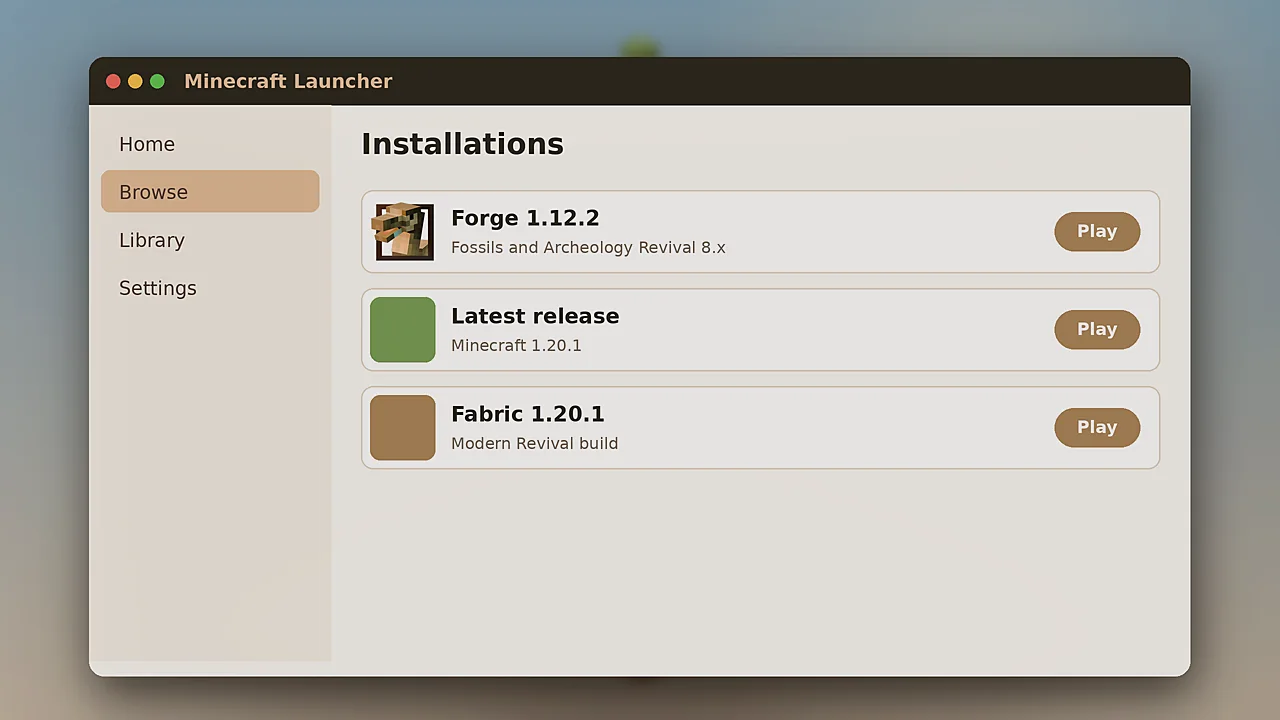
The setup is simple once you have the right files. Install Java 8, because Forge 1.12.2 does not run on newer Java versions. Then install the recommended Forge build for 1.12.2 and launch it once so it creates the mods folder.
- Download the 1.12.2 file from the official CurseForge or Modrinth page.
- Download LLibrary for 1.12.2, which the legacy build requires.
- Place both .jar files in
.minecraft/mods. - Start the Forge 1.12.2 profile and create a new world.
Allocate enough memory
Legacy packs often need 4 to 6 GB of RAM. Set this in your launcher's JVM arguments with -Xmx6G. Too little memory is a common reason for stutter when herds grow.
Common 1.12.2 problems
Crash with a LLibrary error
This means LLibrary is missing or the wrong version. Download the one listed on the mod's dependency tab and remove any duplicates from the mods folder.
Game fails on Java 17
Forge 1.12.2 needs Java 8. Point the launcher profile at a Java 8 runtime and try again.
Should you upgrade instead?
If you are starting fresh, the modern builds on 1.18.2 to 1.20.1 are the better experience. They look better, behave better and receive updates. Stay on 1.12.2 only when a pack or server you love depends on it. Our download page lists every current build, and the installation guide walks through the modern setup.
Keeping old worlds safe
Worlds from 1.12.2 cannot be moved to the modern mod without losing creatures and blocks, because the internal IDs changed in the rewrite. Keep a backup of legacy worlds and start a new save if you move up.
