60+ prehistoric creatures
Raise Tyrannosaurus, Triceratops, Velociraptor, mammoths, smilodons, dodos and dozens more, each with its own diet, size and temperament.
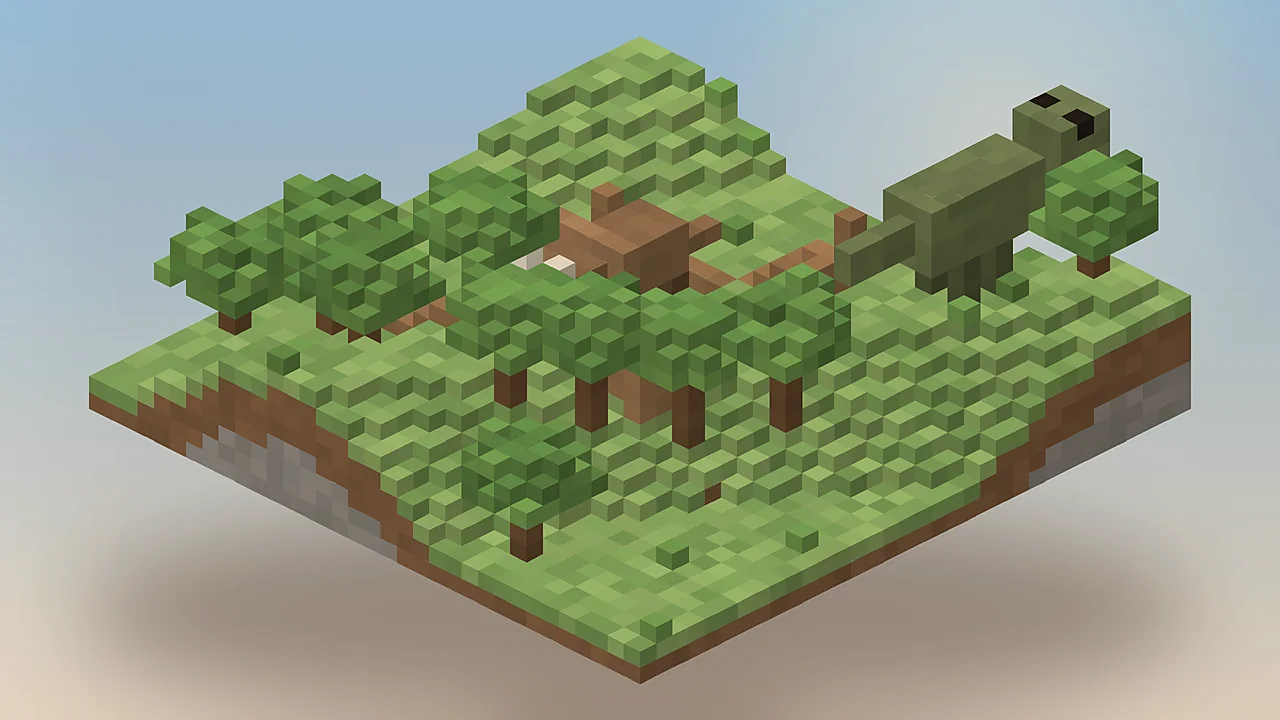
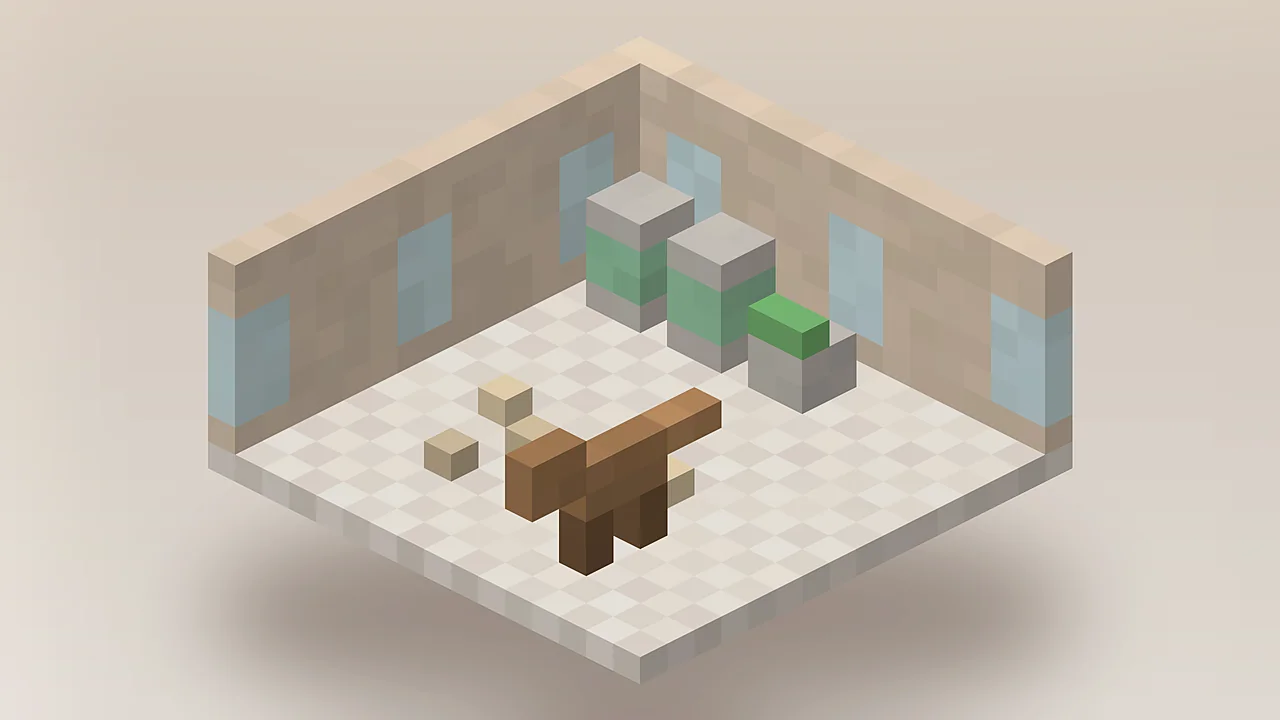
Fossils and Archeology Mod brings dinosaurs, fossils and real archaeology to Minecraft Java. Dig up remains, extract DNA, hatch more than 60 prehistoric creatures and explore ancient ruins, all in survival.
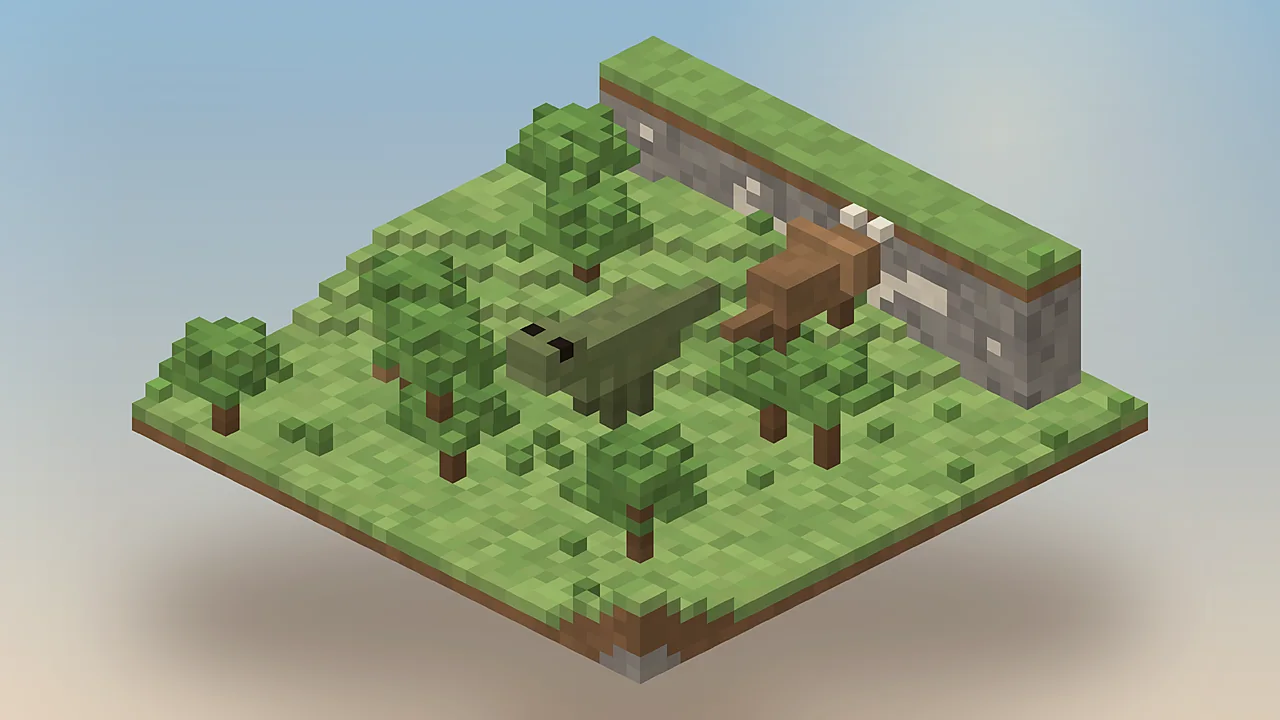
A short history of the most famous prehistoric mod in Minecraft, and who it is for.
The Fossils and Archeology Mod is a Minecraft Java Edition mod that turns your world into a dig site. You find fossil blocks underground, analyse them for DNA and use that DNA to revive extinct animals. Dinosaurs, mammoths, sabre-toothed cats, terror birds and dodos all return, each with their own diet, size and behaviour.
Alongside the creatures sits a full archaeology system. Relics, broken ancient weapons and decorative vases turn up while you dig. Restoring them rewards patience with tools and blocks you cannot get any other way.
The original author wanted Minecraft to feel older than it looks: a world with a buried past worth uncovering. The Revival team kept that purpose when they took over and rebuilt the mod for modern versions.
Survival players who want long-term goals, builders planning parks and zoos, server owners looking for shared projects and modpack makers who need a proven centrepiece.
Our take: after testing every modern build, we think the revival loop is the most rewarding progression system in any creature mod. It asks for effort, then pays it back with animals you care about keeping alive.
Everything the mod adds, explained by what it changes in your survival world.
Raise Tyrannosaurus, Triceratops, Velociraptor, mammoths, smilodons, dodos and dozens more, each with its own diet, size and temperament.
Dig up bio-fossils, extract DNA in the Analyzer, grow embryos in the Culture Vat and hatch eggs. Every creature is earned, not spawned.
Relics, broken tools and ancient artefacts turn up in fossil blocks. Restore them at the Worktable and put them to work in survival.
Ruined temples, ancient ships, tar pits and Anu's castle give exploration a reason and a reward beyond ore.
Imprint on hatchlings, feed them from Feeders and ride larger species with a whip. Loyal dinosaurs defend you and your base.
Right-click any creature with the Dinopedia to check its health, hunger, age and mood before it becomes a problem.
Revive ancient flora from fossil seeds and plant them to landscape enclosures that actually look Jurassic.
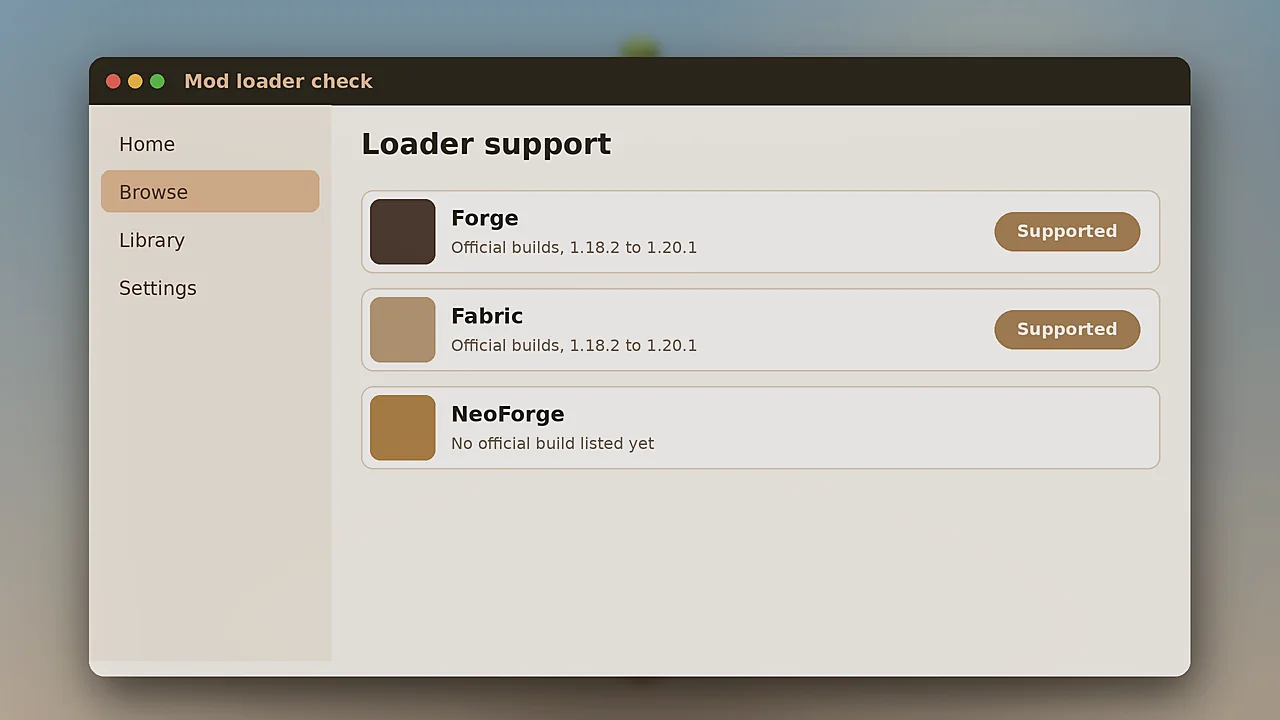
Modern releases ship for both loaders on Minecraft 1.18.2 to 1.20.1, so it fits into almost any modpack.
Built-in support for Farmer's Delight, Roughly Enough Items and Jade means recipes and tooltips just work.
What your PC needs to run Minecraft with this mod comfortably. Numbers assume a modern 1.20.1 setup.
| Component | Minimum | Recommended |
|---|---|---|
| Game | Minecraft Java Edition | Minecraft Java Edition |
| Java | Java 17 | Java 17 (64-bit) |
| OS | Windows 10, macOS 11, Ubuntu 20.04 | Windows 11, macOS 13+, recent Linux |
| CPU | Dual-core 2.5 GHz | Quad-core 3.5 GHz or better |
| RAM | 4 GB allocated to Minecraft | 6 to 8 GB allocated |
| GPU | OpenGL 3.2 with 1 GB VRAM | OpenGL 4.4 with 2 GB VRAM |
| Storage | 500 MB free for game and mods | 2 GB free for packs and worlds |
| Internet | Only to download files | Needed for servers and updates |
Legacy 1.12.2 and 1.7.10 builds need Java 8 instead of Java 17. See our 1.12.2 guide for details.
Every button goes to an official source. We never re-host or modify the files.
SHA-256 verification
*Android through a Java launcher such as PojavLauncher. There is no Bedrock or PE version.
Pick your loader and Minecraft version on the official page, then install the listed dependencies.
Download on Modrinth CurseForge mirrorAll versions, legacy too GitHub sourceCode and archive buildsPick your platform and follow the steps in order. Most setups take under ten minutes.
%appdata%\.minecraft and open the mods folder. Create it if missing.~/Library/Application Support/minecraft/mods.sudo apt install openjdk-17-jre.java -jar installer.jar and install the client.~/.minecraft/mods (create it if needed).mods folder.Using the Modrinth App or CurseForge app? Search for the mod inside the app and it installs every dependency automatically. See our Modrinth guide.
From your first fossil to a thriving park. Start with the beginner steps, then move to the advanced ones.
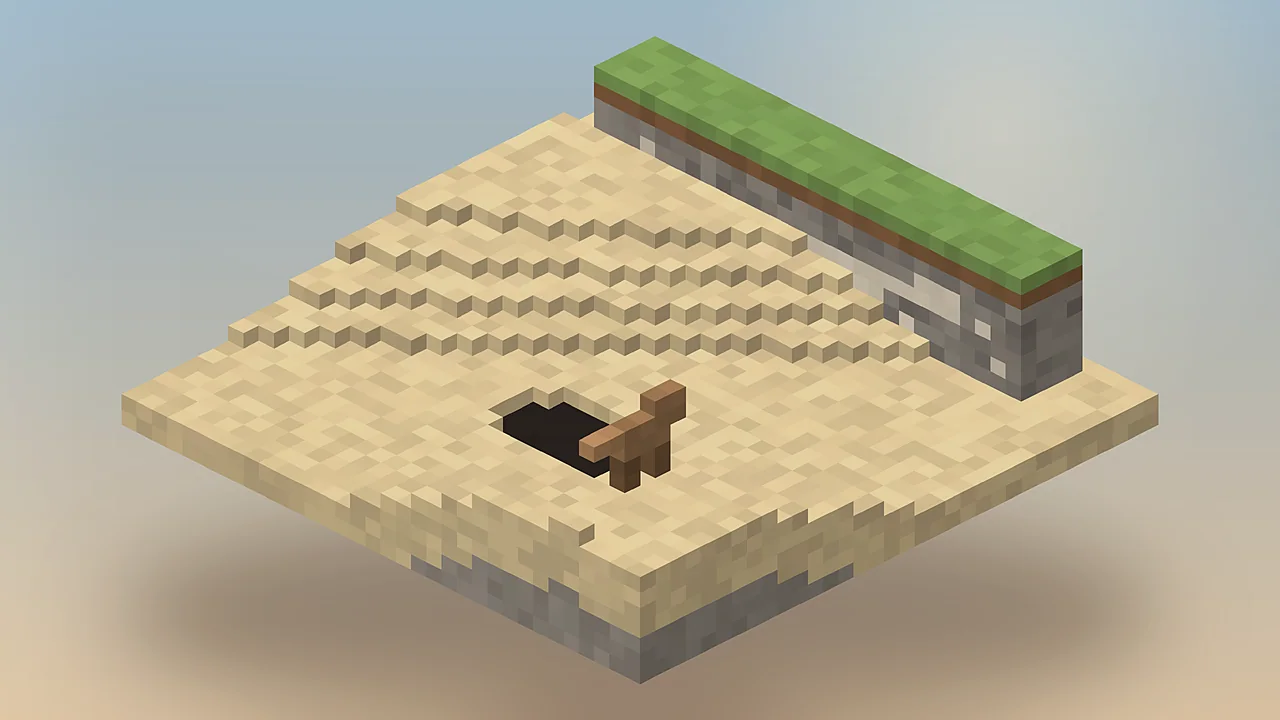
Dig into stone near the surface and look for blocks with bone patterns. Mine them with any pickaxe to collect bio-fossils and relic scraps.
Craft the Analyzer and feed it bio-fossils. It returns DNA from random creatures plus useful by-products like bone meal.
Use the Culture Vat to turn DNA into an egg, place it somewhere warm and stay close so the hatchling imprints on you.
Keep carnivores and herbivores apart, give large species room and put a Feeder in every pen. Crowded pens cause stress and fights.
Broken swords and helmets found while digging can be repaired at the Worktable into powerful ancient gear.
The late-game boss waits in a castle in the Nether. Bring your best armour, healing and a tamed escort if you trust it.
The revival pipeline in five steps. Each one unlocks the next, which is what makes progress feel earned.
Mine fossil blocks, permafrost and tar deposits for remains.
The Analyzer turns bio-fossils into DNA and by-products.
The Culture Vat grows DNA into eggs or mammal embryos.
Eggs hatch in warmth. Embryos are carried by host animals.
Feed, protect and ride your creatures as they grow.
Where the mod runs, which loaders it supports and which popular mods it talks to.
| Area | Details | Status |
|---|---|---|
| Operating systems | Windows 10/11, macOS 11+, Linux | Supported |
| Minecraft versions | 1.18.2, 1.19.2, 1.19.3, 1.19.4, 1.20.1 | Supported |
| Legacy versions | 1.12.2 and 1.7.10 (separate builds) | Legacy |
| Mod loaders | Forge, Fabric | Supported |
| NeoForge | No official build listed | Unofficial |
| Bedrock and PE | Java mod, cannot run on Bedrock | Not supported |
| Devices | PC, Mac, Linux, Android via Java launcher | Supported |
| Browsers | Guides and downloads work in any modern browser | Supported |
| Integrations | Farmer's Delight, REI, Jade, JEI | Built in |
An honest look at strengths and trade-offs, based on hands-on testing across loaders.
Six kinds of players and how each gets value from the mod.
Spark interest in palaeontology and genetics with a hands-on, if simplified, revival process.
Add a long survival goal: dig, research, hatch and protect a growing collection of creatures.
Study a well-structured open-source Architectury mod that targets two loaders from one code base.
Server owners build community events, zoo tours and progression around shared dinosaur parks.
Use gameplay as a talking point for de-extinction ethics in classrooms and outreach.
Hatchings, boss fights and park builds make natural episodes with strong visual moments.
Scenes from a survival playthrough. Select any image to view it larger.
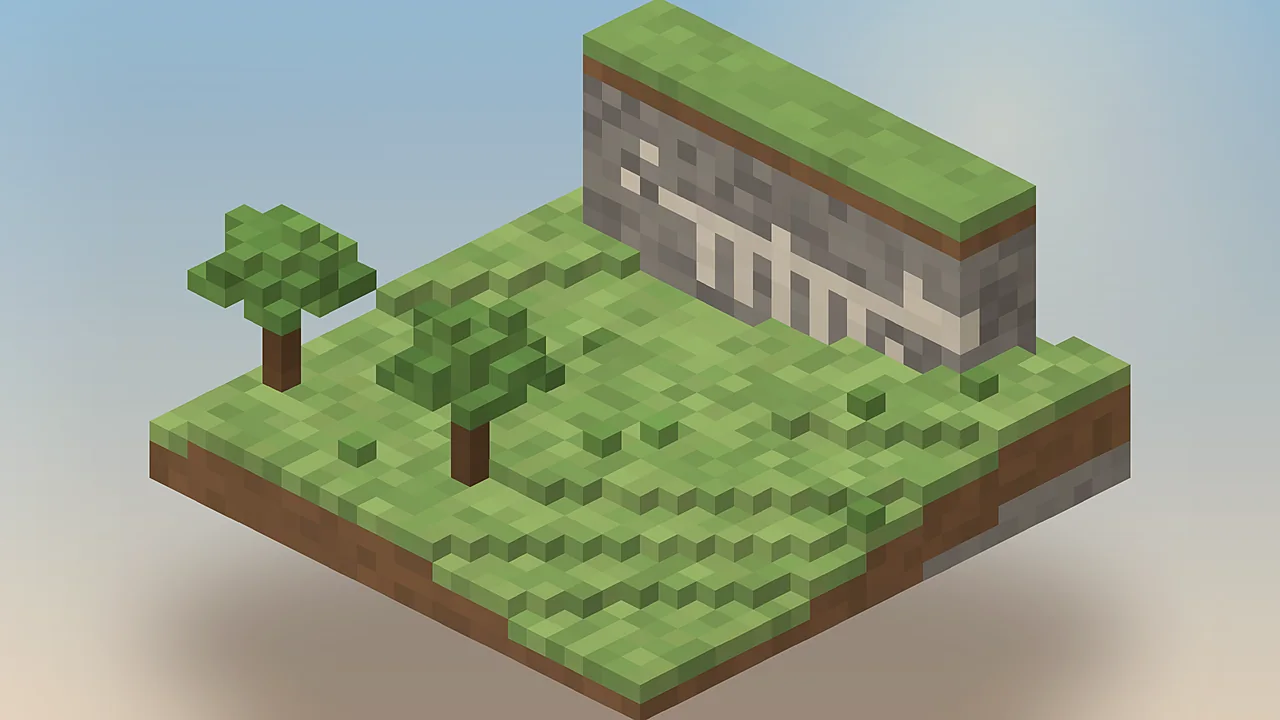
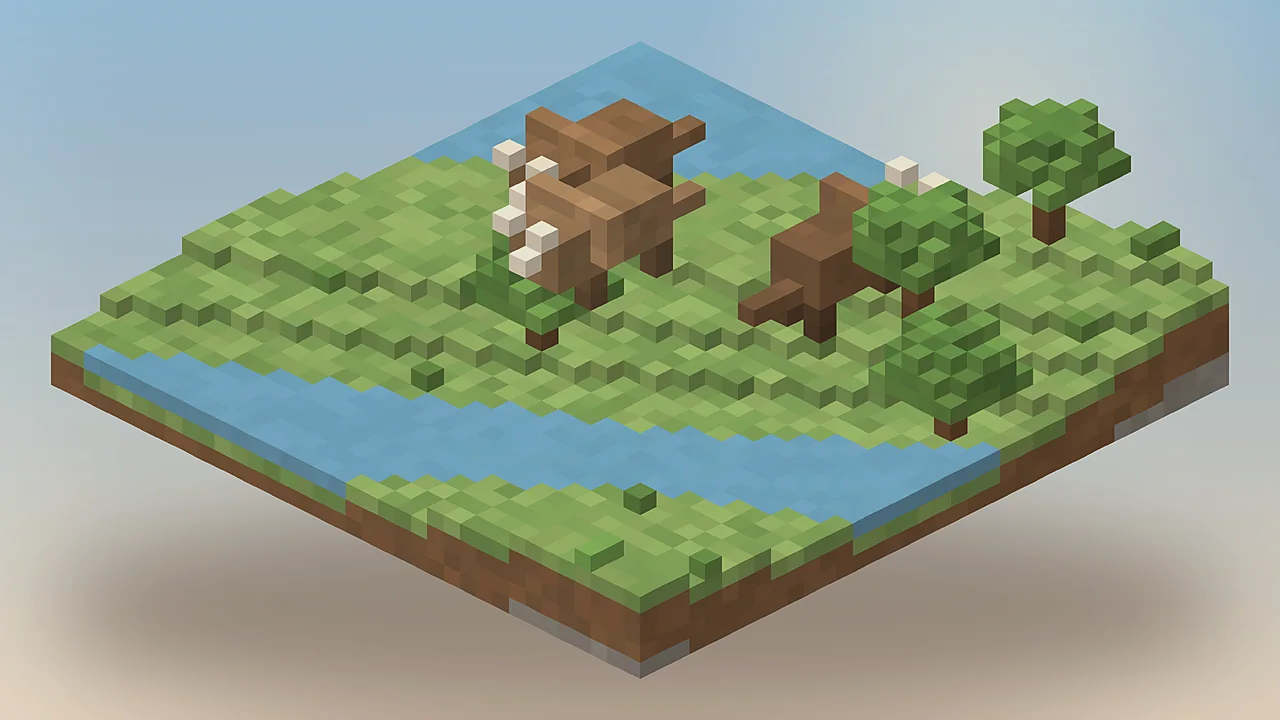
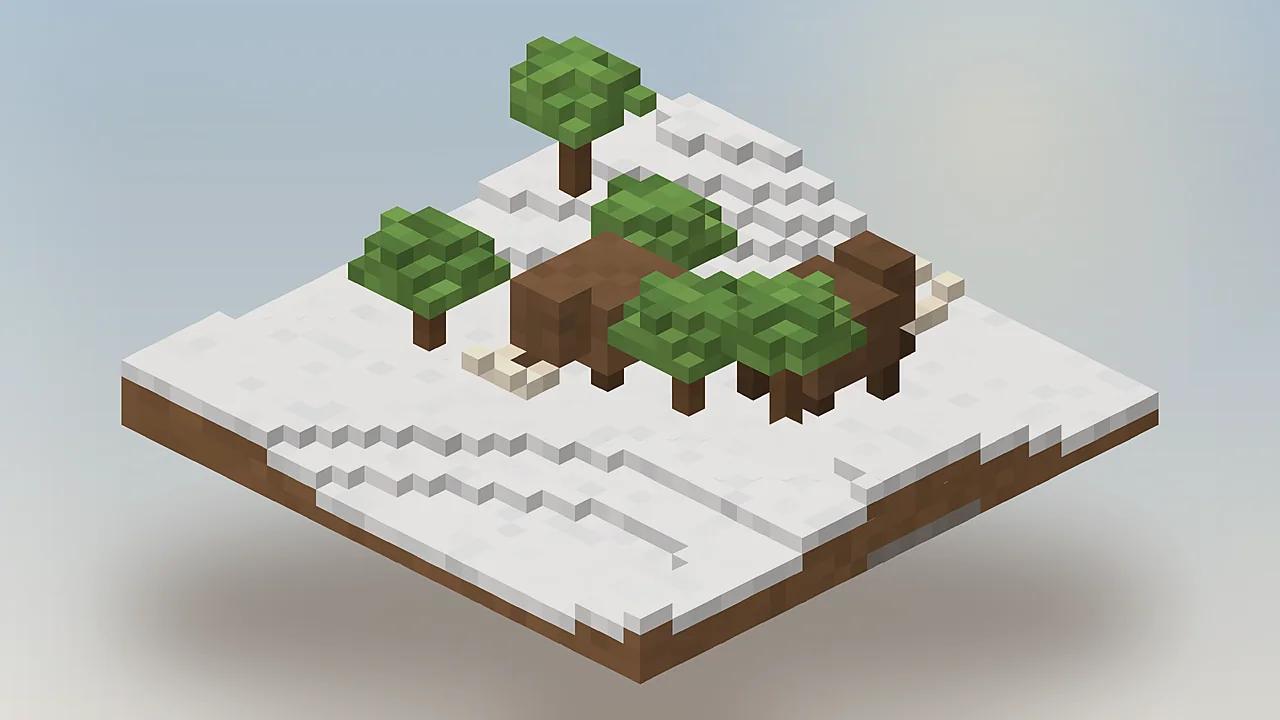
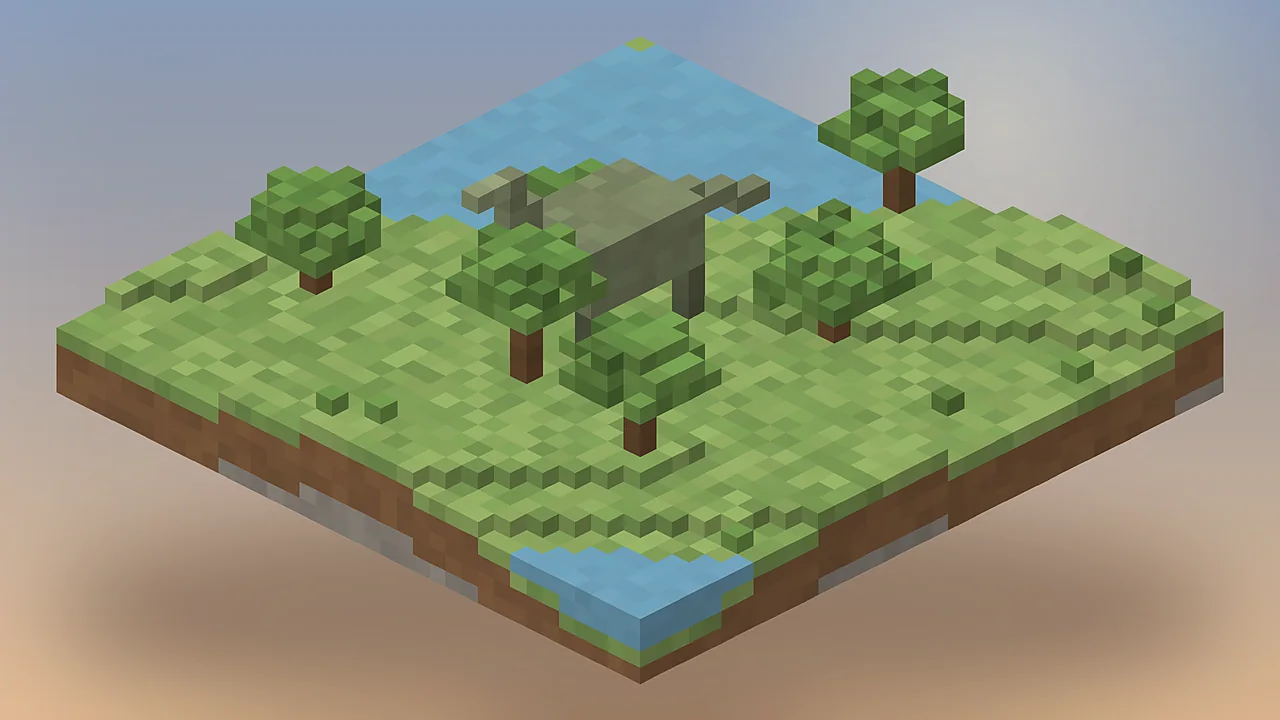
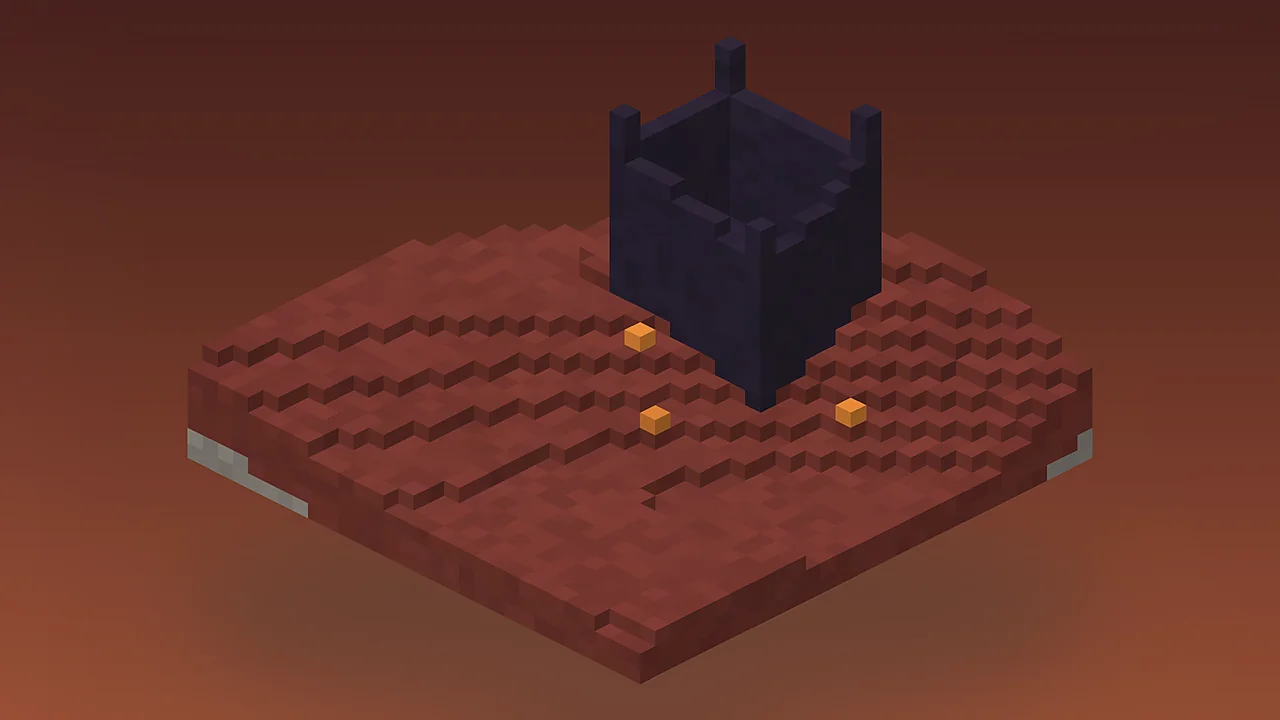
Most problems come from versions or dependencies. Find your symptom and apply the fix.
| Common error | Fix |
|---|---|
| Game crashes on launch | A dependency is missing or the wrong version. Install Architectury, GeckoLib, More Hitboxes and TerraBlender (plus Fabric API on Fabric) for your exact game version. |
| Mod does not appear in the list | The file sits in the wrong folder or the loader profile was not selected. Put the .jar in the mods folder of the active instance and launch the Forge or Fabric profile. |
| No fossils underground | Fossil blocks only generate in new chunks. Explore unvisited areas or start a fresh world after installing. |
| Low FPS near herds | Too many large creatures are loaded at once. Spread them across enclosures, lower render distance and allocate more RAM. |
| Cannot join a server | Client and server versions differ. Match the mod and every dependency version exactly on both sides. |
What the mod can and cannot access on your computer, in plain terms.
Yes, when downloaded from Modrinth, CurseForge or GitHub. The files are plain .jar mods that only run inside Minecraft. Avoid re-uploads, .exe installers and sites that ask you to disable antivirus.
The mod runs locally and does not collect personal data. It sends nothing to the developers.
It needs no system permissions beyond what Minecraft already has. No admin rights, no background services.
No telemetry, no accounts, no ads. Launchers and hosts have their own policies, so check those separately.
Public source code, platform malware scans and per-file SHA-256 hashes let you verify every download.
How Fossils and Archeology stacks up against other prehistoric mods players often consider.
| Software | Price | License | OS and versions | Features | Rating | Pros | Cons |
|---|---|---|---|---|---|---|---|
| Fossils and Archeology | Free | Open source | Java 1.18.2 to 1.20.1 | Revival, archaeology, structures | ★ 4.8 | Modern versions, both loaders | Several dependencies |
| JurassiCraft | Free | Open source | Java 1.12.2 | Park building, vehicles | ★ 4.5 | Deep park tools | Stuck on an old version |
| Prehistoric Nature | Free | See project page | Java 1.12.2 | Accurate eras and species | ★ 4.4 | Huge species range | Steep learning curve |
| Prehistoric Fauna | Free | See project page | Java 1.16.5 | Detailed models | ★ 4.3 | Beautiful animations | Fewer systems to play with |
Ratings are our editorial scores from hands-on testing. All mods listed are free Java Edition projects.
Feedback from players who run the mod in survival worlds, servers and modpacks.
The revival loop is the best part. I spent two evenings digging fossils before my first Triceratops hatched, and it felt earned in a way spawn eggs never do. The Culture Vat step adds just enough risk to keep things tense.
We run it on a 30-player Fabric server. After matching dependency versions on every client it has been stable for months. The config lets us cap creature counts so large herds never tank tick rate.
Plays nicely with Farmer's Delight and REI out of the box. I dropped one star because the Forge build needs TerraBlender and new users always miss it, but that is on us pack makers to document.
The GeckoLib animations look great on camera. Mammoths and sabre cats get the biggest reactions from viewers. Anu's castle makes a perfect late-game episode that ties the whole story together.
I like that the mod treats DNA and embryos as a process instead of magic. It is simplified, of course, but it sparked a few real conversations in my study group about de-extinction research.
I played this back on 1.7.10 and the 1.18+ rewrite is a big step up. Better AI, better hitboxes and new textures everywhere. It still feels like the same mod I loved, just finally modern.
Answers on downloads, installation, safety, updates, licensing and alternatives.
Yes. The mod is completely free. The Revival team publishes every build on Modrinth and CurseForge at no cost, and the source is on GitHub. You never need to pay, sign up or complete a survey to get it. If a site asks for payment or pushes an .exe installer, leave it, because the real mod is always a .jar file.
Current releases cover Minecraft Java 1.18.2, 1.19.2, 1.19.3, 1.19.4 and 1.20.1. Older, separate builds exist for 1.12.2 and 1.7.10 and are still popular in classic modpacks. Always match the mod file to your exact game version and loader, because a 1.19.2 build will not load on 1.20.1 even though the numbers look close.
Either works for modern versions. The team ships a Forge build and a Fabric build for each supported Minecraft version. Pick the one that matches the rest of your mods. Forge builds also need TerraBlender, while Fabric builds need Fabric API. Both loaders require Architectury, GeckoLib and More Hitboxes installed alongside the mod.
The mod depends on Architectury API, GeckoLib and More Hitboxes on both loaders. Forge players also need TerraBlender, and Fabric players need Fabric API plus the Fabric version of TerraBlender. Missing one of these is the most common reason the game crashes at launch, so install all of them before your first test run.
Create a new instance with your chosen loader and game version, open Discover content, search for Fossils and Archeology Revival and click Install. The app pulls the required dependencies automatically, which removes most setup errors. Launch the instance once, create a new world and check that fossil blocks appear in stone underground.
Yes, but new structures and fossil ores only generate in chunks that have not been explored yet. Travel into fresh territory to find them. Back up the world before adding any large content mod, because removing the mod later deletes its blocks, creatures and items from the save.
No official one exists. Fossils and Archeology Revival is a Java Edition mod built for Forge and Fabric, and those loaders do not run on Bedrock. Add-ons that borrow the name on Bedrock marketplaces are made by other creators. Android players can run the Java version through a Java launcher such as PojavLauncher, with some performance limits.
NeoForge is not listed as an official target on the project pages at the time of writing. The 1.20.1 Forge build is the closest option, and NeoForge for 1.20.1 is largely Forge-compatible, but results depend on your other mods. For a stable modpack, use the official Forge or Fabric build until a NeoForge file is published.
The official files are safe. They are scanned by Modrinth and CurseForge and the source code is public on GitHub. Risk only appears when you download re-uploads from unknown mirrors. Stick to the official pages, check the file ends in .jar, and compare the SHA-256 hash shown on the Modrinth version page with your downloaded file.
Mine fossil blocks to collect bio-fossils, then put them in an Analyzer to get DNA. Load the DNA into a Culture Vat with the materials it asks for to grow a dinosaur egg. Put the egg down in a warm, lit spot and wait. Stay close while it hatches so the baby imprints on you and becomes tame.
Newly hatched creatures that see you first are tame. Keep them fed, because hungry dinosaurs can turn on players and livestock. Fill a Feeder with meat or plants depending on the diet, and use the Dinopedia to check hunger, mood and age. Larger tame species can be ridden with a whip.
Most failed hatches come down to temperature. Land eggs need warmth, so place them near light sources and away from snow or cold biomes. Aquatic eggs must sit in water. Check the egg with the Dinopedia to see its progress, and make sure mob spawning or a protection plugin is not blocking entity creation.
A few dinosaurs cost very little. Performance drops when dozens of large creatures crowd into loaded chunks, because each one runs path-finding and animations. Keep herds in separate enclosures, allocate 6 to 8 GB of RAM for larger packs and add a performance mod such as Embeddium or Sodium where your loader supports it.
Yes. Install the same mod and dependency versions on the server and every client. Mismatched versions are the usual cause of connection errors. On busy servers, set sensible creature limits in the config file and consider claim protection so players cannot release predators into shared spawn areas.
Use the issue tracker linked from the official Modrinth and CurseForge pages, or the team's Discord. Include your Minecraft version, loader, mod version and the full crash report from the crash-reports folder. Clear reports get fixed faster, and many known issues already have a workaround posted there.
JurassiCraft is the closest match on 1.12.2 and focuses on park building. Prehistoric Nature leans toward scientific accuracy across many geological periods. Prehistoric Fauna offers highly detailed models. Fossils and Archeology stands out for combining revival, archaeology and exploration in one mod on modern Minecraft versions.
Version guides, install walkthroughs and gameplay tips from our editors.
Step by step: find fossils, extract DNA, grow embryos and hatch your first tame dinosaur in Fossils and Archeology Mod, plus feeding and care tips.
Does Fossils and Archeology Mod work on NeoForge? Current status, what to try on 1.20.1, the risks, and the safest loader choice for modpacks.
Run Fossils and Archeology Mod on Minecraft 1.7.10: requirements, installation, what the classic build includes, and tips for legacy modpacks.
Questions about the site, a broken link or a guide request. We reply within two working days.
For mod bugs and crashes, please use the official issue tracker linked on Modrinth. We run this guide site, not the mod itself.
One short email when a new build lands, with what changed and whether your loader is covered. No spam, unsubscribe anytime.